PS5, PS5 Pro and PC performance
Facts checked 2026-10-28
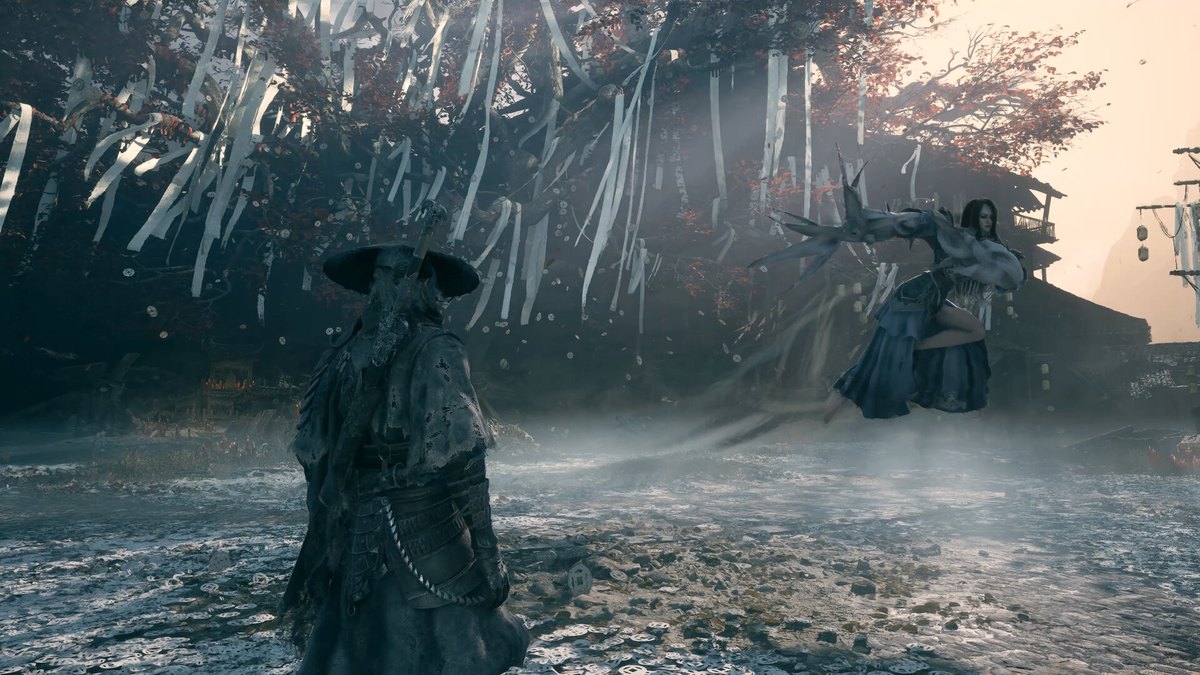
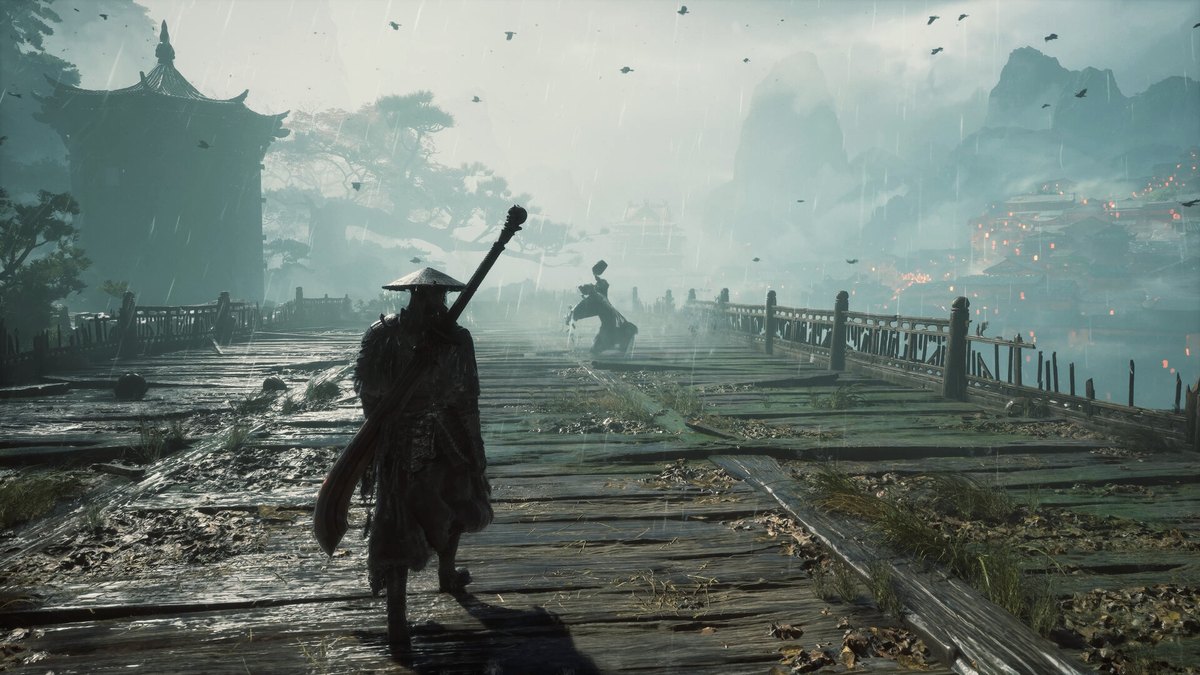
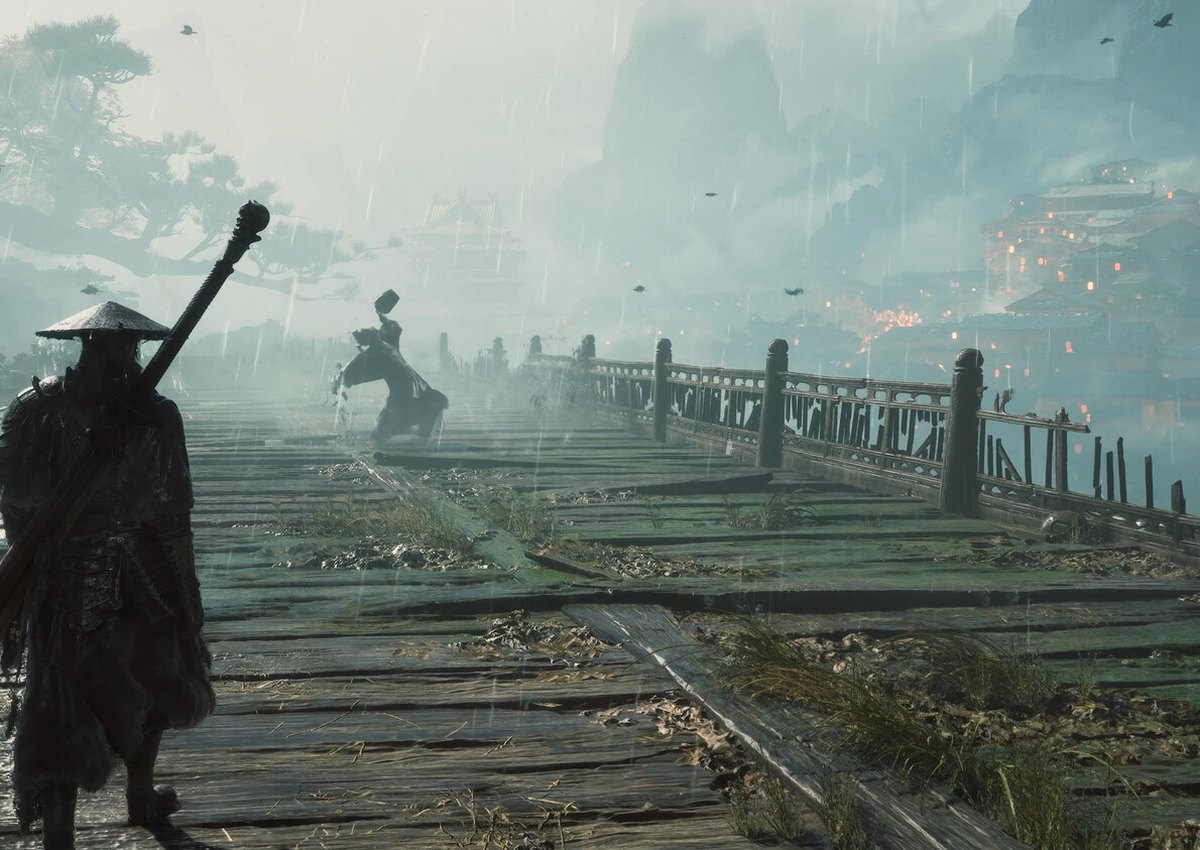
PS5 and PS5 Pro run the game with DualSense haptics and adaptive triggers; PC adds ray tracing and DLSS 4 with multi-frame generation. PS5 installs at about 134 GB, PC at about 145 GB.
Phantom Blade Zero runs on Unreal Engine 5 and ships on PS5, PS5 Pro and PC. The console versions are the reference build; the PC version adds ray tracing and DLSS 4 with multi-frame generation, and asks for an SSD.
This page is the practical version: what each platform gets, how big the install is, and which settings actually matter.
Platform summary
| Platform | What you get | Install size |
|---|---|---|
| PS5 | Base build, DualSense haptics and adaptive triggers, 8 accessibility features | about 134 GB |
| PS5 Pro | Pro-enhanced version of the same build | about 134 GB |
| PC (Steam / Epic) | Ray tracing, DLSS 4 with multi-frame generation, settings control | about 145 GB |
S-GAME has confirmed ray tracing is in the launch build rather than a post-launch patch, and that it deliberately avoided making ray tracing mandatory for the game's look. That matters on console: the art direction does not depend on hardware ray tracing.
DualSense
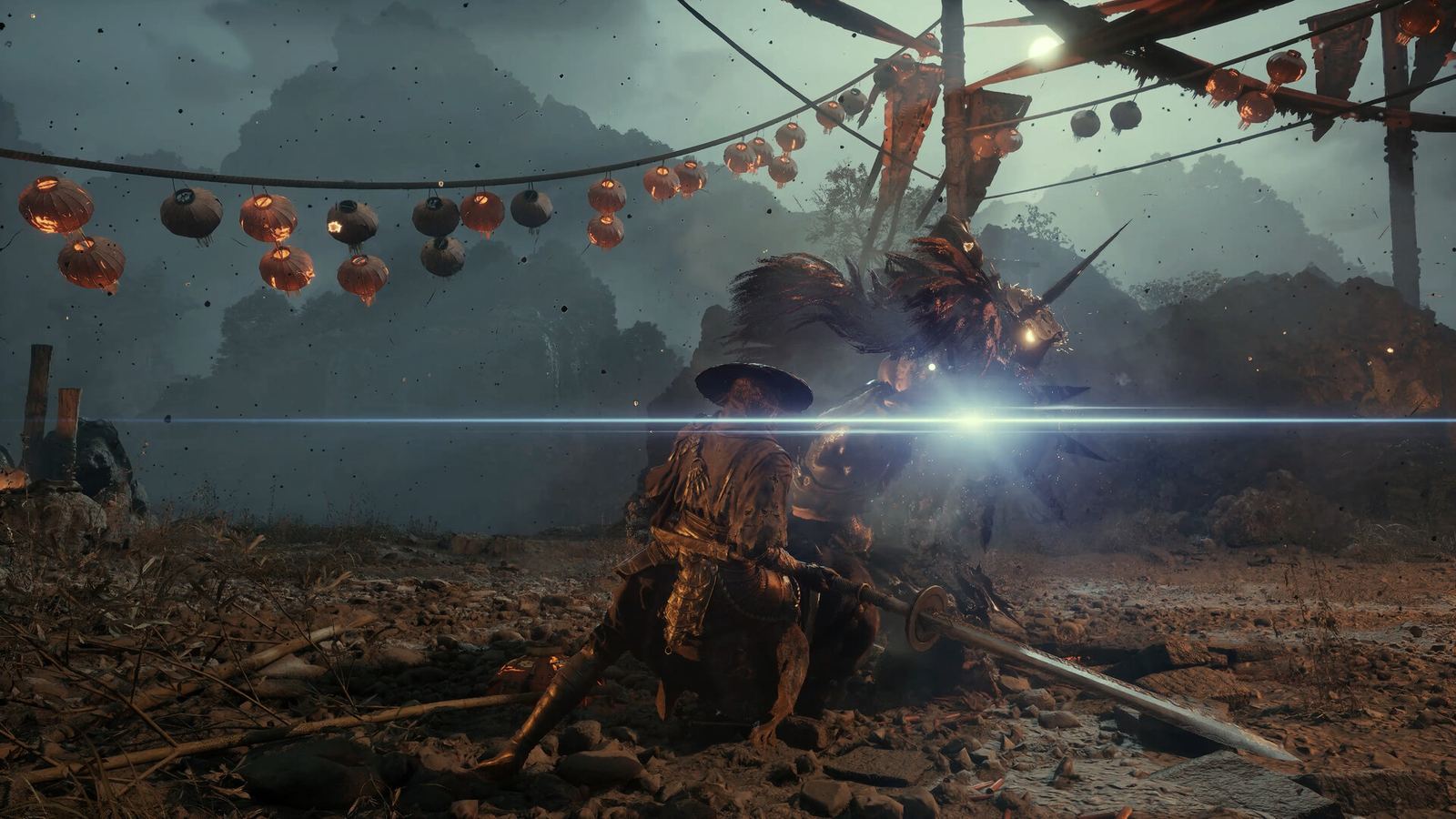
The adaptive triggers are used on the Phantom Edges rather than as a generic rumble feature. The two examples S-GAME keeps demonstrating are the bowstring tension and the cannon charge: the trigger resists as you draw and releases on fire. Haptics carry blade clashes and hammer impacts.
If you play on PC with a DualSense, the Steam listing confirms support, including Steam Input. The trigger effects are the reason to use it over a standard pad.
What is not published
S-GAME has not published a PS5 performance/quality mode breakdown, a frame rate table, or a Steam Deck rating. Any page that lists "Performance Mode: 60 fps" for this game is guessing. The PC requirements are the only official performance numbers.
Reviews at launch noted occasional technical roughness in busy areas, not a systemic problem; the review round-up collects those notes. That matches the absence of a big day-one patch: the build reviewers played is the build shipping.
PC settings that matter
- Upscaling. Every official tier assumes it. Turn it on before lowering anything else.
- Ray tracing. Add it only after you have a stable frame rate without it.
- Frame cap. In a parry game, a stable 60 beats a fluctuating 80.
- SSD. Required, not recommended. Streaming stalls on a hard drive are obvious.
Accessibility and options
The PS5 listing confirms eight accessibility features, and the store page calls out adjustable difficulty, adjustable text size, subtitle options, custom volume controls, pause during cinematics and manual save points.
Manual saves are worth highlighting: you can create a save point and return exactly where you left off, which makes boss attempts less punishing than the genre norm.
Which platform should you pick?
- PS5 Pro owner: the console build with the Pro enhancement is the path of least resistance, and the DualSense features are designed around it. If you are still deciding what to buy, the editions page compares the packages.
- PC with an RTX 40/50 card: ray tracing and DLSS 4 are the reason to choose PC, provided you have the SSD space.
- Either way: the game is 134–145 GB. Check your free space before you buy, not after.
FAQ
Is there a 60 fps mode on PS5?
S-GAME has not published a mode breakdown. Do not buy on the assumption of a specific frame rate target until the console analysis lands.
Does the PC version support DLSS 4?
Yes, with multi-frame generation, announced alongside ray tracing support.
How big is the day-one download?
The preload is the launch build at about 145 GB on PC and 134 GB on PS5. No separate day-one patch has been announced.
Does it support ultrawide?
S-GAME has not confirmed ultrawide support. Treat it as unconfirmed.